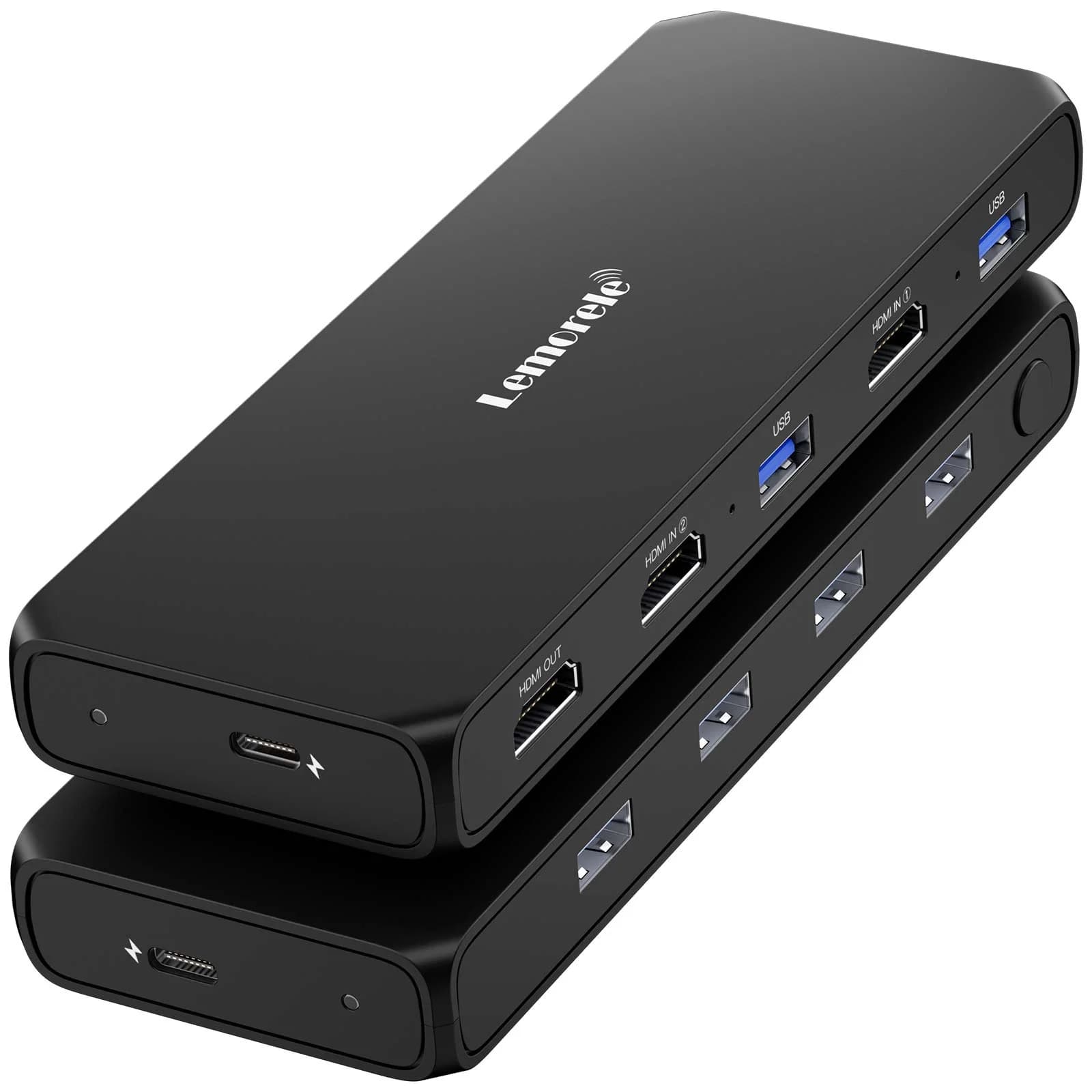
Lemorele G98 HDMI & USB KVM Switch, you can use three primary methods:
1. Physical Push Button
The most direct way to switch is by pressing the one-button switch located on the front or top of the device. An LED indicator will light up to show which host is currently active.
2. Keyboard Hotkey Shortcuts
You can toggle between systems without leaving your keyboard using specific key combinations.
Scroll Lock Method: Press the Scroll Lock key twice in quick succession, followed by the number of the PC you want to switch to (1 or 2).
Sequence:Scroll Lock + Scroll Lock + 1 or 2
Ctrl Method: On many compatible models in this series, you can also double-tap the Ctrl key.
Sequence:Ctrl + Ctrl + 1 or 2
1
-6% off
BDT2,250.00
List Price:BDTÂ 2,400.00
Delivery & Returns
Bangladesh
FREE DELIVERY
FREE delivery in 1–3 Business Days
Delivering to Bangladesh
In Stock
1
Pay with
Secure
Ships fromMaraya Global
Sold byMaraya Global
Product Details
Complete product details and specifications
Description
Detailed product overview
Core Specifications
Resolution Support: Up to 4K @ 30Hz Ultra HD. It is also backward compatible with 1080P @ 60Hz and lower resolutions.
USB Standard: USB 3.0 (also referred to as USB 3.2 Gen 1) providing high-speed data transfer rates up to 5Gbps.
Peripheral Sharing: Allows up to 4 USB devices (keyboard, mouse, printer, external hard drive, etc.) to be shared between two computers.
System Compatibility: Plug-and-play support for Windows, macOS, and Linux; no driver installation is required